Email inside the CRM for your sales team. Every email sits on the lead.
Connect Microsoft 365, Gmail or any other mailbox. Incoming emails land on the matching lead, next to calls and tasks. And after the call, a template gets the follow-up written in seconds.
No setup fee · cancel anytime
- 650,000+
- emails sent by Coldfire since 2023
- 3
- ways to connect a mailbox: Microsoft, IMAP or Resend
- 4
- providers with ready server settings: Gmail, IONOS, Strato, mailbox.org
- 365 days
- of history the Team plan pulls in on connect, the Solo plan 7 days
Where emails get lost in sales
01
Two worlds
Calls live in the CRM, emails in Outlook. Whoever calls doesn't know what a colleague wrote yesterday. And asks about things answered long ago.
02
One password for everyone
A password for the sales mailbox gets passed around the team. Nobody sees who sent what. And when someone leaves, the password leaves with them.
03
Follow-ups get left behind
Quickly send the documents after the call — then the next phone rings. The email goes out in the evening. Or not at all.
Email in Coldfire in one minute
Connect a mailbox, write with a template after the call, send later, see the reply on the lead: a run in the Coldfire demo workspace (German voice-over, English subtitles).
All companies, people and addresses shown are demo data.
How it works
- 1
Connect a mailbox
Sign in with Microsoft or enter address and password. Coldfire tests receiving and sending before anything is saved.
- 2
Share with the team
You pick who uses the mailbox. Those members see its emails and can send through it.
- 3
Write on the lead
After the call you open the email on the lead, pick a template and send it now or later.
- 4
Replies land on the lead
Coldfire assigns emails from known contacts to their lead. Everything else sits in the inbox and is assigned to a lead in one click.
What email in Coldfire does for you
Microsoft 365, Gmail and any IMAP mailbox
With Microsoft 365 and Outlook you sign in once, and receiving and sending are set up. For Gmail, IONOS, Strato and mailbox.org Coldfire fills in the server settings, any other provider works over IMAP and SMTP. If you send through Resend, add your API key — Resend is for sending only.
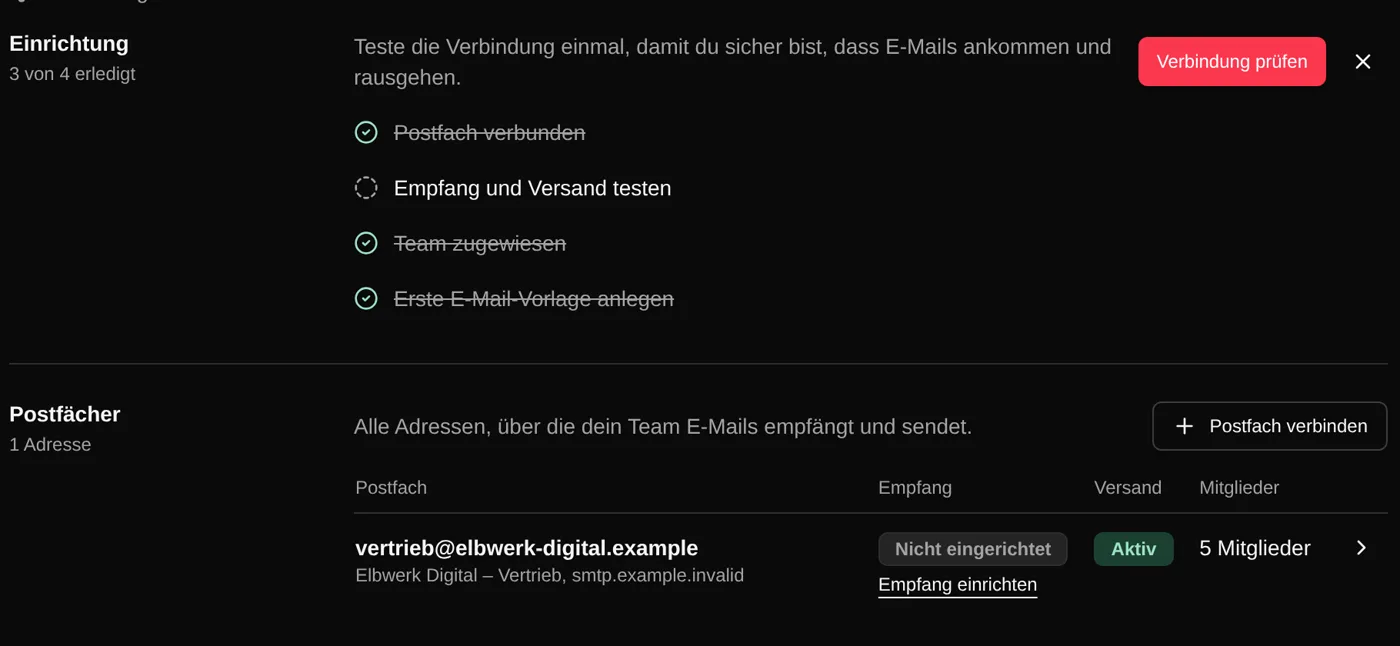
Emails on the lead, as conversations
Coldfire groups replies into conversations. On the lead they sit in the timeline next to calls, notes and tasks. On connect, Coldfire pulls in the emails of the last 7 days (Solo) or 365 days (Team), then every new one as it arrives.
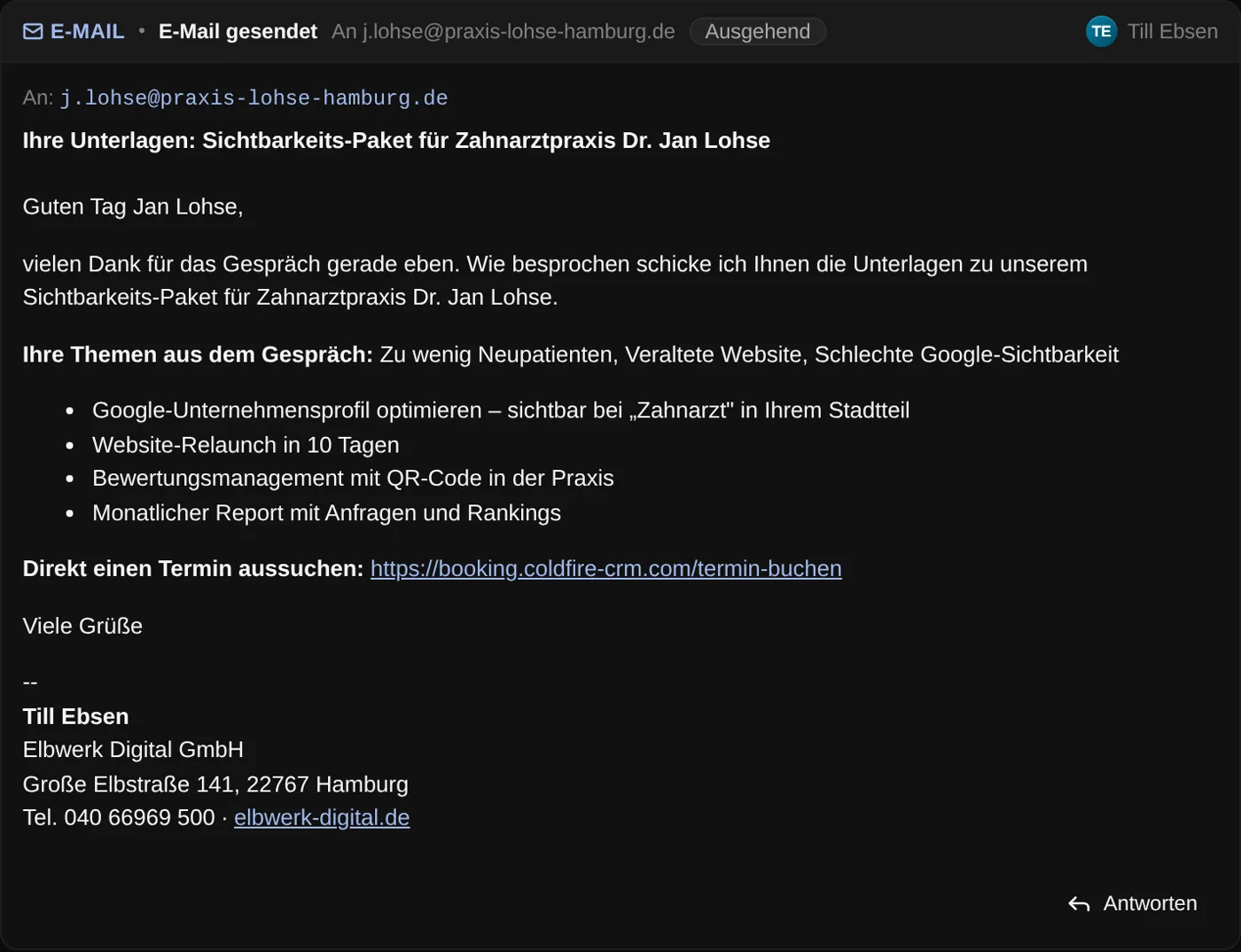
Templates with salutation and company
A template has subject, text and attachments, for example the PDF with your offer. Coldfire fills in salutation, last name and company from the lead. If you've already written something, the template replaces your text or goes below it. You share templates with everyone or with admins only.

Writing like in your mail app
Reply, reply all, forward, Cc and Bcc, attachments. Coldfire saves drafts automatically. The signature belongs to the mailbox: Coldfire fills in name, position and phone for each member.
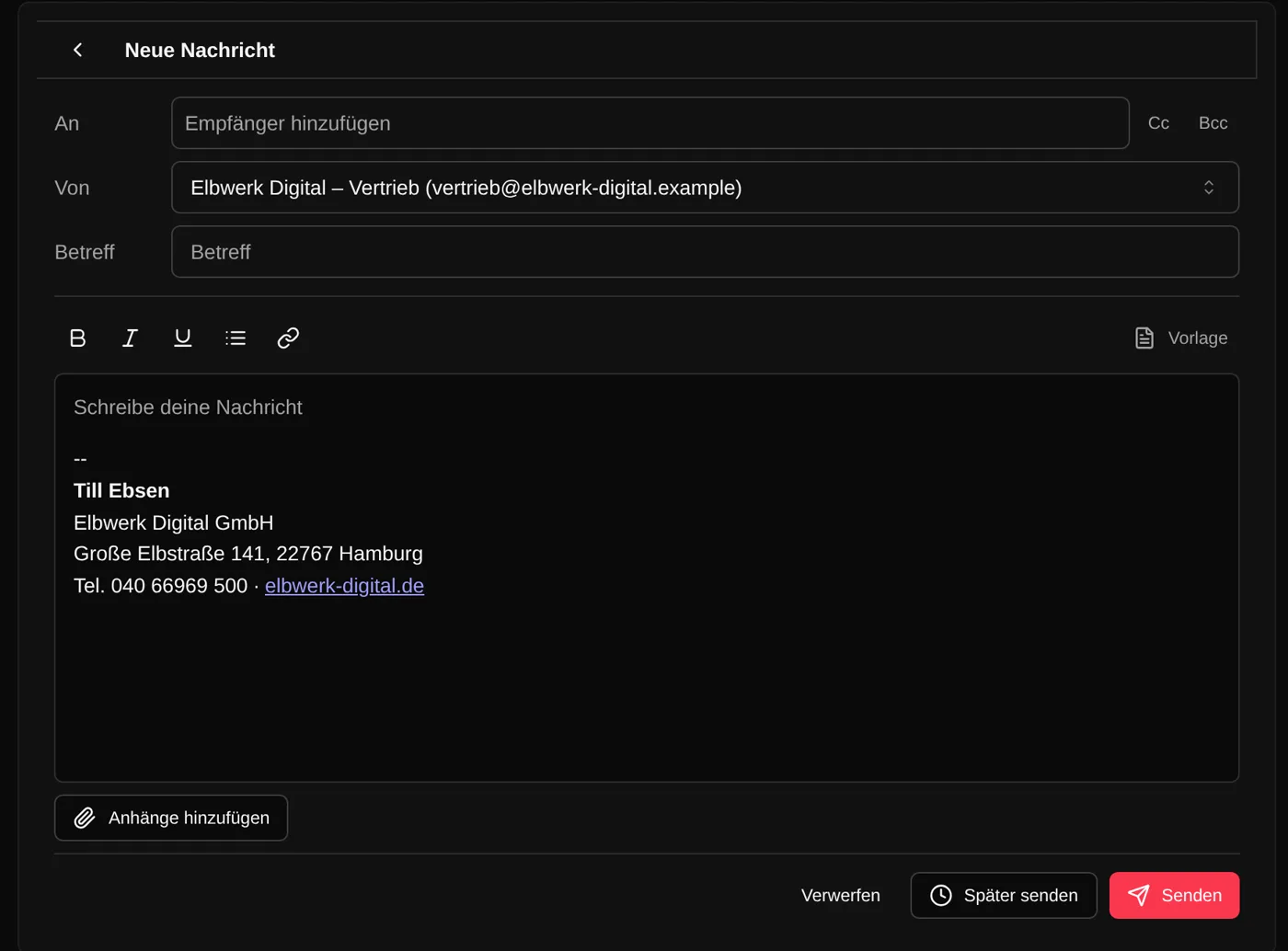
One mailbox, shared in the team
For each mailbox you decide which members use it. They see its emails and pick the address as sender when writing. Which address is preselected, you set per member. Nobody has to pass on a password.
Send later and by workflow
You schedule an email for a fixed time, for example tomorrow at 8 am. Until then it waits under “Planned” and can be changed or deleted. Workflows send an email to the lead after the call, with first name and values from earlier steps, such as a booking link.
An inbox for the whole team
Search by subject, sender or content, filters for unread and unassigned emails, a view per mailbox. If you send through Resend, a webhook reports undeliverable emails to the CRM: they're marked “Undeliverable” on the lead.
Who it's for
Setters and openers
After the call, a template gets the email out in seconds. You see the reply right on the lead on your next call.
Team leads
You share mailboxes instead of handing out passwords. And you see on the lead who wrote what.
Solo callers
Email is in the Solo plan just the same, with 7 days of history on connect. The Team plan pulls in 365 days.
A mail app next to the CRM or email in Coldfire
| Mail app on the side | With Coldfire | |
|---|---|---|
| Emails for a lead | search the mailbox | on the lead next to calls and tasks |
| Shared mailbox | share the password | share each mailbox with members |
| Follow-up after the call | type it again every time | template with salutation and company |
| Email for tomorrow morning | set a reminder | send later |
| Signature | everyone builds their own | one per mailbox, names filled in |
| Undeliverable email | goes unnoticed | marked on the lead (sending via Resend) |
Questions about email in Coldfire
Try Coldfire free for 14 days.
Import your leads, connect your phone line, make the first call. Cancel anytime.
